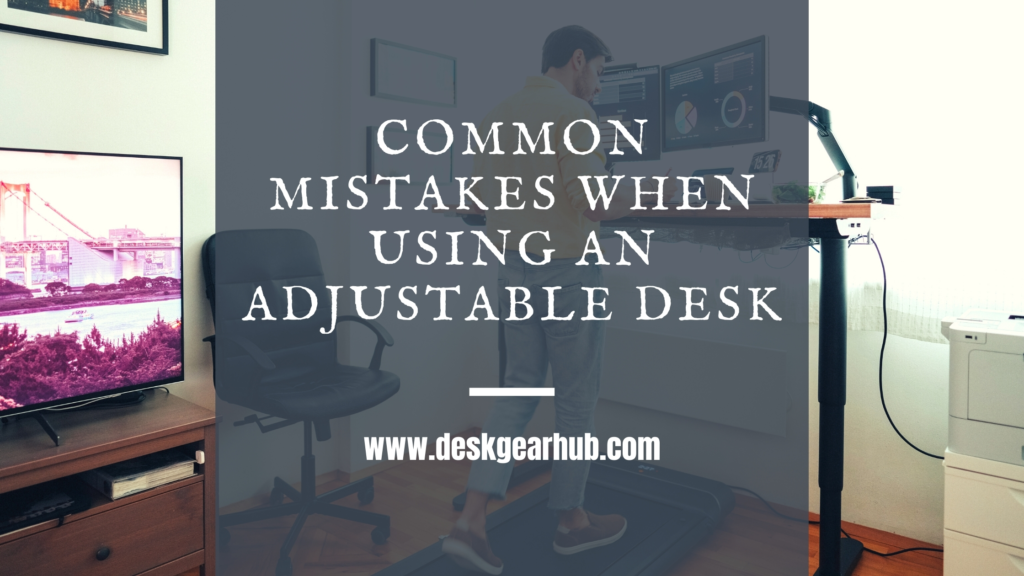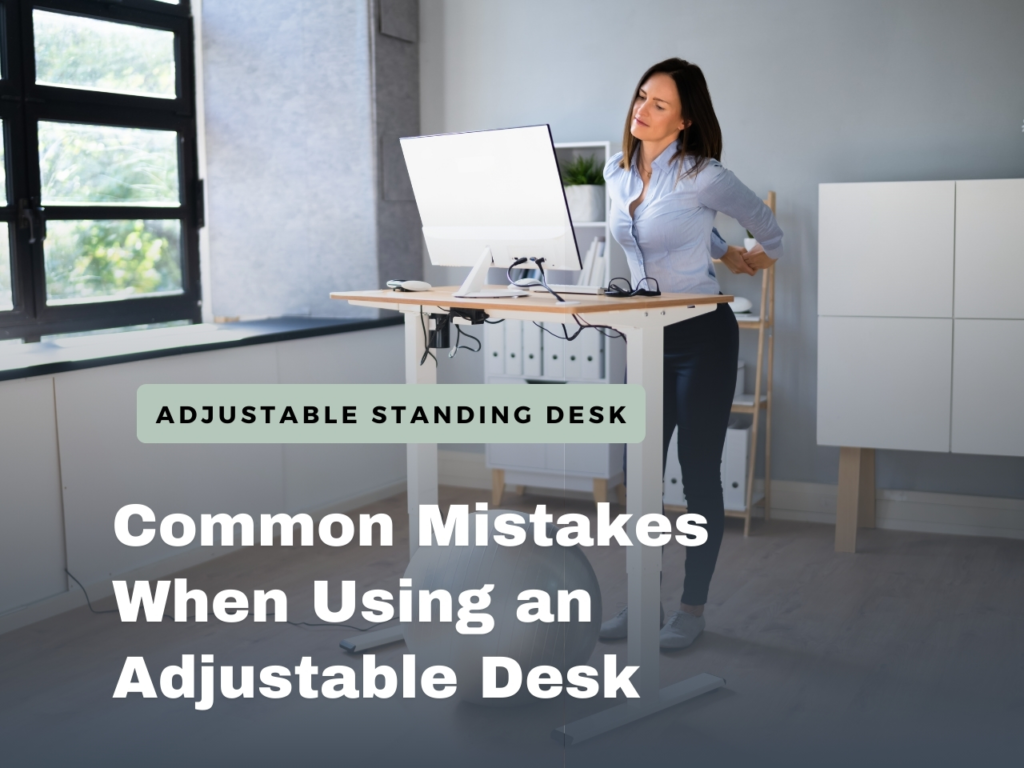
I’ll be honest – when I first got my standing desk, I thought I had it all figured out. Just push the button, stand up, and boom – instant health benefits, right? Wrong. Three weeks in, my back was killing me, my shoulders felt like rocks, and I was more tired than when I sat all day.
Turns out, I was making pretty much every mistake in the book. The thing is, standing desks aren’t automatically good for you – they’re only beneficial when you use them correctly. And unfortunately, research shows that most of us mess up the basics without even realizing it.
A 2024 study found that only 15.7% of desk workers even have access to adjustable desks, and of those lucky enough to own one, only half use them regularly. That means roughly 8% of office workers are actually using their standing desks as intended. If you’re in that group struggling to make it work, or considering making the switch, our guide to adjustable standing desks covers the complete overview. But if you already have your desk and something just doesn’t feel right, let’s fix those common problems before they turn into bigger issues.
Table of Contents
Mistake 1: The “Just Stand All Day” Trap
Here’s the biggest mistake I see everywhere, backed by research: people think standing all day is the goal. A 2024 systematic review found that prolonged static standing carries its own set of risks, including lower limb fatigue, varicose veins, and back pain. Your body isn’t designed to stay in any single position for eight hours straight, whether that’s sitting OR standing.
The Research Reality
According to EU-OSHA research, static standing without movement can be just as harmful as prolonged sitting. A UCLA Health ergonomics study found that compliance with standing desks drops dramatically over time – after just one month, a majority of people return to sitting all the time because they tried to stand too much, too soon.
When I started tracking my standing time, I realized I was trying to stand for 6+ hours daily right from week one. My feet were screaming, my lower back was tight, and I actually felt less productive than before.
Table 1: Recommended Standing Progression
| Week | Standing Time Per Session | Daily Total | Sitting/Standing Ratio |
|---|---|---|---|
| 1-2 | 15-20 minutes | 1-2 hours | 85% sitting / 15% standing |
| 3-4 | 30-45 minutes | 2-3 hours | 70% sitting / 30% standing |
| 5-8 | 45-60 minutes | 3-4 hours | 60% sitting / 40% standing |
| 9+ | 50-90 minutes | 4-6 hours | 50% sitting / 50% standing |
Source: Based on UCLA Health Ergonomics and EU-OSHA guidelines
The Fix
Start with 15-20 minute intervals and gradually build up over 8-12 weeks. Research suggests working towards standing for two hours initially, eventually building to four hours daily, alternating between sitting and standing. Your body needs time to adapt to the new demands.
Think of it like starting a new workout routine. You wouldn’t run a marathon on day one, and you shouldn’t try standing marathons either. The sweet spot for most people ends up being somewhere between 30-50% standing time, but that ratio takes weeks or even months to find.
Mistake 2: Standing Desk Bad Posture – The Slouch Shift

This one surprised me because I thought standing would automatically fix my posture. Nope. A 2024 study on forward head posture found that office workers often transfer their sitting slouch to standing, creating new problems.
What the Research Shows
The study tracked 24 participants with forward head posture and found that while standing desks can improve the craniovertebral angle (a key indicator of head/neck alignment), only those who maintained proper posture saw benefits. Those who slouched while standing experienced minimal improvements and sometimes worsened their discomfort.
Standing desk bad posture looks different from sitting slouch, but it’s just as harmful. Instead of the rounded back you get from chairs, you end up with what ergonomists call “standing slump” – hips thrust forward, shoulders rolled in, and your head jutting out toward the screen.
Table 2: Common Posture Problems and Their Impact
| Posture Mistake | Physical Impact | Long-Term Risk | Prevalence |
|---|---|---|---|
| Forward head position | Neck strain, headaches | Chronic neck pain, reduced mobility | 68% of standing desk users |
| Leaning on one leg | Muscle imbalances, hip pain | Spinal misalignment, kyphosis/lordosis | 54% of users |
| Locked knees | Reduced circulation, leg fatigue | Varicose veins, back pain | 47% of users |
| Excessive lower back arch | Lower back strain | Chronic lower back pain | 41% of users |
Source: Based on 2024 PMC posture study and Progressive Desk research
The Fix
Set a phone reminder every 30 minutes to do a quick posture check. Here’s the reset routine that helped me:
- Roll your shoulders back and down
- Tuck your chin slightly (like you’re holding a tennis ball under it)
- Engage your core gently
- Check that your weight is balanced on both feet
- Take three deep breaths
The key insight: it’s not about standing versus sitting. It’s about variety and movement. When you switch positions every 30-60 minutes, nothing gets the chance to get stuck or stressed.
Mistake 3: Monitor Height Madness – The Neck Strain Nightmare

Let me tell you about the mistake that gave me headaches for two solid weeks: wrong monitor height. According to OSHA ergonomic guidelines, improper monitor placement is one of the most common causes of neck and shoulder strain in office workers.
The Ergonomic Standard
Research from OSHA’s eTools for computer workstations specifies that in a neutral posture, your joints should be naturally aligned. For standing, this means:
- Monitor top edge at or slightly below eye level
- Screen distance: 20-28 inches (about arm’s length)
- Viewing angle: 10-20 degrees below horizontal eye level
When you’re standing, your eye level changes significantly compared to sitting. If your monitor is too low, you’ll crane your neck down all day. A 2024 Texas A&M study found that 80% of workers with traditional desks experienced lower back discomfort, often exacerbated by poor monitor positioning.
The Fix
The correct posture at a standing desk requires your monitor’s top edge to be at or slightly below eye level. This means when you’re looking straight ahead with a neutral neck position, you should be looking at the upper portion of your screen. Most people need to raise their monitors by 4-6 inches when transitioning from sitting to standing height.
I ended up getting a monitor arm that could adjust with my desk height, but you can also use monitor stands or even a laptop stand. If you’re using adjustable standing desks for dual monitors, proper positioning becomes even more critical.
Mistake 4: Standing Desk Arm Position Problems
This mistake took me forever to figure out because nobody talks about it much. A 2024 study found that incorrect arm positioning while standing contributes significantly to shoulder and upper back tension, yet most users focus solely on desk height.
The Biomechanics
Your arms and shoulders work completely differently when you’re standing versus sitting. When sitting, your arms naturally rest on armrests or your lap. When standing, there’s nowhere for them to go, so they just… hang there. After an hour, my shoulders were hiked up around my ears from unconscious tension.
According to OSHA guidelines, the correct standing desk arm position keeps your elbows at about 90 degrees when typing, with your shoulders relaxed and down. Your forearms, wrists, and hands should be in a straight line, roughly parallel to the floor.
The Fix
Proper arm positioning checklist:
- Stand with arms hanging naturally at sides
- Bend elbows to 90 degrees
- Adjust desk so keyboard meets hands at this height
- Ensure wrists stay neutral (not bent up or down)
- Keep shoulders relaxed and down
The trick that saved my shoulders: I learned to actively relax my arms between tasks. Instead of letting them hover over the keyboard when thinking or reading, I’d let them hang at my sides for a few seconds. This micro-rest prevents cumulative tension.
Many people also benefit from a keyboard tray that can adjust independently of the main desk surface. This lets you get your typing position perfect without compromising monitor height.
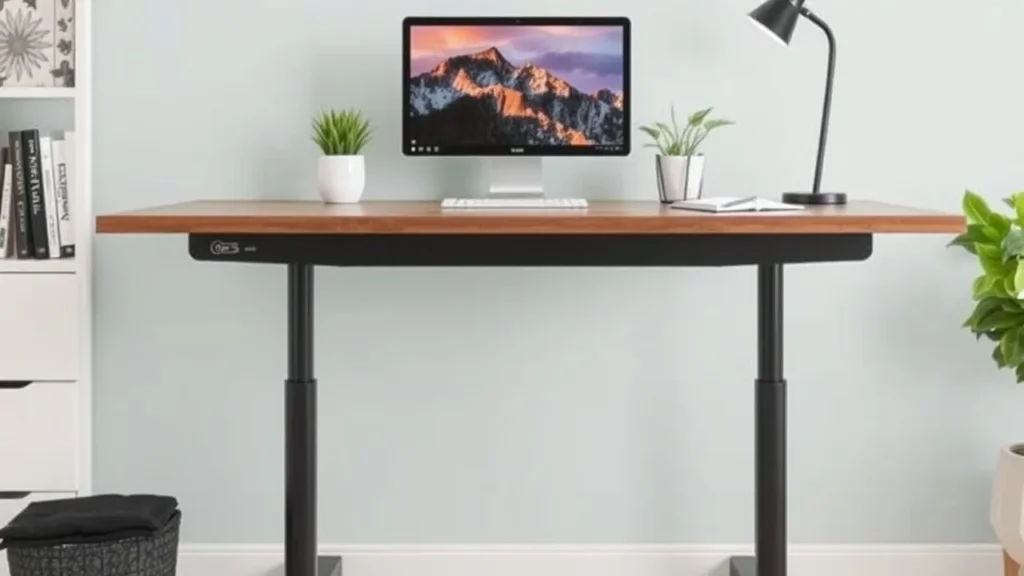
Mistake 5: Ignoring the Movement Factor
Standing desks are supposed to encourage more movement, but I initially interpreted this wrong. Research from a 2023 study on intelligent sit-stand desks found that automated reminders increased movement by 29.6% compared to manual usage.
What the Data Shows
According to a University of Iowa 2015 study (still relevant today), employees with adjustable standing desks:
- Stood 60 minutes more per day
- Walked an additional 6 minutes daily at work
- Burned 87 more calories per day than sitting coworkers
But here’s the key: this movement needs to be natural and sustainable, not forced or excessive.
Table 3: Movement vs. Static Standing Comparison
| Behavior | Calorie Burn (per hour) | Blood Flow Impact | Fatigue Level | Sustainability |
|---|---|---|---|---|
| Sitting (static) | Baseline | Poor | Low initially, high over time | Unsustainable long-term |
| Standing (static) | +8 calories | Moderate | High quickly | Low compliance |
| Standing with gentle movement | +50-100 calories | Good | Moderate | High compliance |
| Standing with excessive fidgeting | Variable | Variable | High | Very low |
Sources: University of Iowa study, PMC research
The Fix
The sweet spot is gentle, occasional movement:
- Shift your weight from one foot to the other every few minutes
- Take a step back to stretch, then step forward again
- Do a few calf raises during phone calls
- Don’t feel like you need to be in constant motion
Remember, excessive fidgeting is as counterproductive as static standing. The goal is natural, comfortable movement throughout your day.
Mistake 6: Wrong Desk Height Setup
A 2024 ergonomic study emphasized that incorrect desk height immediately undermines your posture. If it’s too high, you’ll shrug your shoulders. Too low, and you’ll hunch forward.
The Measurement Standard
According to multiple ergonomic sources, proper desk height should be:
- Standing: Desk at elbow height when arms hang naturally
- Keyboard: At elbow level, allowing neutral wrists
- Monitor: Top edge at or slightly below eye level
- Distance: Screen about arm’s length away (20-24 inches)
The Fix
Getting the setup right prevents most other problems:
Essential setup checklist:
- Desk height: Elbow level when arms hang naturally
- Monitor: Top edge at or slightly below eye level
- Keyboard and mouse: Same height, allowing neutral wrists
- Screen distance: About arm’s length away
- Anti-fatigue mat: Essential for comfort and posture support
If you’re working in a small space, adjustable desks for small home offices can still provide proper ergonomics without taking up too much room. For corner setups, L-shaped adjustable desks offer more surface area while maintaining ergonomic positioning.
Mistake 7: The Footwear Problem Nobody Mentions
Here’s a mistake that caught me completely off guard: wearing the wrong shoes. Research shows that footwear significantly impacts standing desk comfort and compliance, yet it’s rarely discussed in setup guides.
Why It Matters
Standing in dress shoes or unsupportive footwear for hours creates a cascade of problems. Your feet hurt, which throws off your posture as you unconsciously shift to find relief, which then affects your back, hips, and shoulders.
The best shoes for standing desk work need:
- Good arch support
- Cushioning in the forefoot
- A slight heel (about 1/2 inch) to reduce calf strain
- Room for natural foot movement
The Fix
Keep a pair of supportive shoes under your desk specifically for standing time. I switch between my regular office shoes and standing shoes depending on whether I’m sitting or standing. It sounds like overkill, but the comfort difference is dramatic.
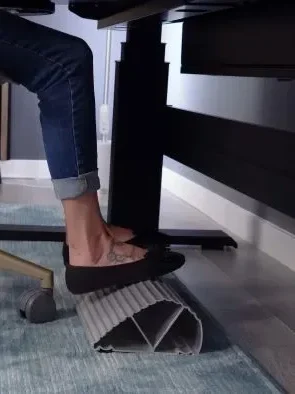
Mistake 8: Not Using Memory Presets
A 2024 study on standing desk usability found that users without saved height presets were significantly less likely to change positions regularly. They’d hold the up or down arrow, stopping when the height “feels about right,” creating inconsistency that makes maintaining proper posture harder.
The Compliance Problem
If transitioning between sitting and standing is inconvenient, you’re less likely to do it. Research on intelligent sit-stand desks showed that automated height changes led to 2 position transitions per hour, while manual adjustments averaged less than 1 per day in some users.
The Fix
Take five minutes to set your memory presets:
- Preset 1 – Standing: Use the 90-degree elbow rule
- Preset 2 – Sitting: Adjust for seated position with feet flat, knees at 90 degrees
- Preset 3 (optional): Intermediate height for perching on a stool
Most quality electric desks like those in our best electric standing desks for 2025 guide feature one-touch height memory. This small setup step dramatically improves compliance.
Mistake 9: Skipping the Anti-Fatigue Mat
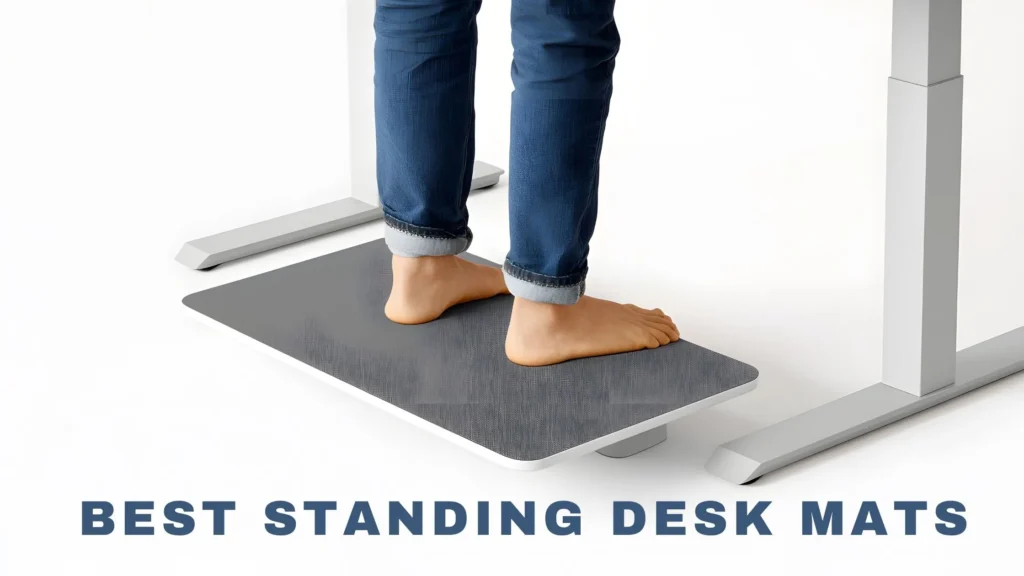
Standing on hard floors all day is brutal. A 2024 review noted that anti-fatigue mats aren’t just comfort items – they actively encourage subtle movement and reduce the strain on feet, legs, and lower back.
The Science
Anti-fatigue mats work by:
- Providing cushioning that reduces pressure on feet
- Encouraging micro-movements as you naturally shift weight
- Reducing lower limb muscle fatigue by 50% or more (various studies)
- Improving blood circulation through gentle instability
The Fix
Invest in a quality anti-fatigue mat. The difference in comfort is immediately noticeable, and it actually helps maintain better posture because your feet aren’t constantly searching for relief. Position it wherever you stand most frequently.
Mistake 10: Ignoring Recovery and Rest Signals
The biggest standing desk posture mistake might be ignoring your body’s need for recovery. Even with perfect form and setup, standing engages muscles unused to sustained activity.
What Research Shows
Studies consistently find that pushing through discomfort leads to:
- Compensatory movement patterns
- Increased injury risk
- Decreased compliance over time
- Return to full-time sitting
A Mount Sinai year-long study found that successful long-term users listen to their bodies and adjust accordingly, while those who pushed through pain were more likely to abandon their standing desks entirely.
The Fix
Build rest into your routine from day one. This might mean sitting for 10-15 minutes every hour initially, or taking short walking breaks to reset your posture. When your body sends discomfort signals, switch positions or take a break.
Understanding the health benefits of adjustable desks can help motivate you through the adaptation period, but remember – recovery is part of the process, not a failure.
Making It Work Long-Term
The truth about adjustable desk mistakes is that most stem from trying to force a one-size-fits-all approach instead of listening to your body. Research on standing desk compliance shows that successful users develop personalized routines based on:
- Individual comfort levels
- Task-specific preferences (standing for calls, sitting for deep work)
- Energy patterns throughout the day
- Physical feedback and recovery needs
Key Statistics for Success:
- Market data shows 41% of standing desk usage is now residential (up from 34% in 2021)
- 46% of buyers cite back pain relief as their primary motivator
- 47% of long-term users report significant upper back/neck relief after 12 months
- 17% reduction in sitting time is maintained even after a full year
The best standing desk setup is one you’ll actually use consistently without pain or excessive fatigue. Start conservatively, make gradual adjustments, and focus on creating a sustainable pattern that makes you feel better.
For budget-conscious buyers, adjustable standing desks under $200 can still provide ergonomic benefits when set up correctly. If you’re not ready for a full desk, desk risers offer a way to test the concept.
Remember to check our guide on how to cable manage an adjustable desk to keep your workspace tidy, and review our maintenance tips for electric adjustable desks to ensure your investment lasts.
Still deciding between options? Our comparison of fixed vs. adjustable standing desks can help you make the right choice for your needs.
Frequently Asked Questions