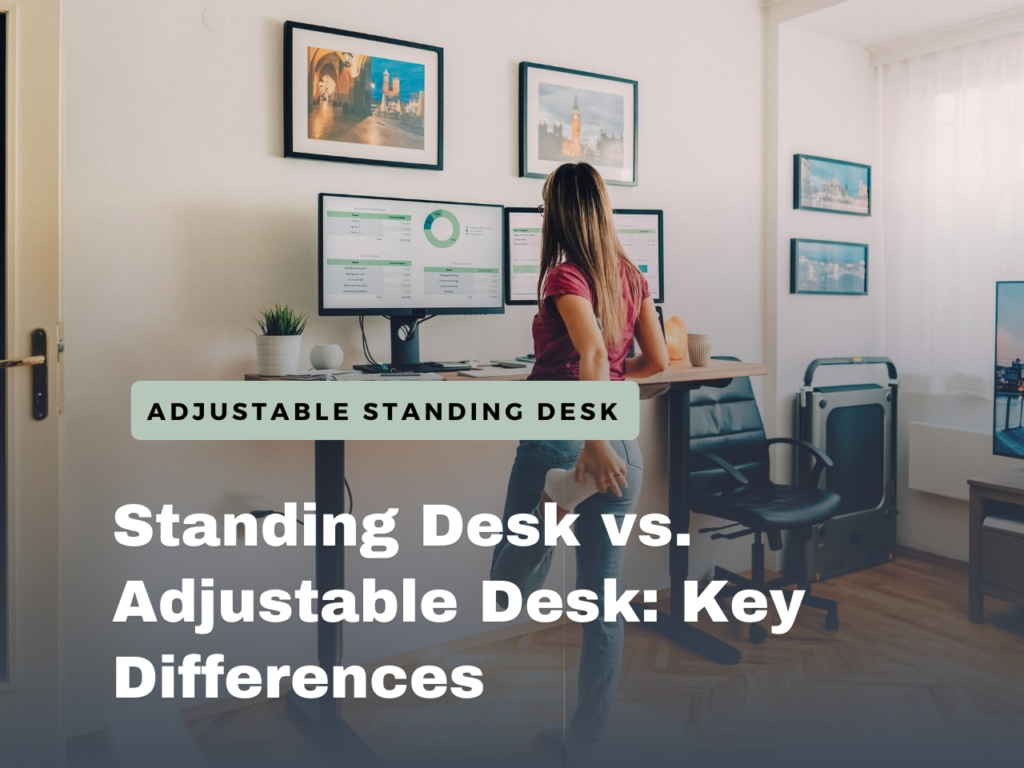
Let me guess , you’re hunched over your laptop at 3 PM, feeling that familiar ache creeping up your spine. Maybe you’ve been working from your kitchen table for years, or finally admitted your “temporary” home office setup isn’t cutting it anymore.
I get it. Three years ago, I was in the exact same position. My makeshift desk was a dining table that was too high, my laptop screen too low, and by noon, I felt like I’d been carrying a backpack full of rocks. That’s when I discovered adjustable standing desks, and honestly, it changed how I work from home.
Here’s the thing: an adjustable standing desk isn’t just a trendy gadget your productivity-obsessed friend raves about. Used correctly, it can improve posture, boost energy, and maintain long-term comfort. But there’s a right way and a wrong way to go about it – and I’ve learned both.
In this guide, I’m sharing everything I wish someone had told me before buying my first height-adjustable desk. No marketing fluff, no wild promise, just honest, practical advice on what actually works, what doesn’t, and how to make this investment genuinely improve your daily work experience. Whether you’re experiencing that familiar 2 PM slump, dealing with neck tension from your current setup, or just curious about whether a standing desk is right for you, you’ll find real answers here.
Table of Contents
Benefits of Adjustable Standing Desks
Let’s start with some honesty: the standing desk trend has been oversold by bold health claims. You’ve seen headlines like “Sitting is the new smoking” or promises of dramatic weight loss from standing while working. The reality is more nuanced, but the benefits are real when you understand what you’re actually getting.
Real Energy Boosts, Especially in the Afternoon
Within the first week of using my adjustable standing desk, my 2:30 PM energy crash softened significantly. When focus waned, I could simply raise the desk and keep working while standing.
Science-backed perks: Standing slightly increases heart rate, improves blood circulation, and delivers more oxygen to your brain. It’s modest – a 10–15% increase – but enough to maintain alertness during low-energy periods.
Pro tip: Alternating between sitting and standing every 45–60 minutes keeps your energy consistent. Think of it as a built-in posture and energy reset.
Better Posture and Less Pain
A standing desk isn’t a magic cure for back pain. Poor posture while standing can be just as harmful as poor posture while sitting. But having the option to change positions throughout the day? Game-changer.
Within three weeks, my lower back tension eased, and neck strain improved – partly because I became more conscious of monitor height. Adjusting your workspace naturally encourages better ergonomics.
More Than a Desk: Creating a Dynamic Workspace
A standing desk doesn’t just change posture – it changes your relationship with your workspace.
- Focused work: Sit for long stretches.
- Video calls: Stand to feel more engaged and confident.
- Creative brainstorming: Sometimes standing sparks different ideas.
Movement is key. Our bodies are designed to change positions; static postures, whether sitting or standing, create problems over time.
Long-Term Health Advantages
Sitting all day is linked to a bunch of health issues: cardiovascular problems, metabolic changes, postural habits that follow you into your personal time, and increased injury risk. It’s not great. Alternating between sitting and standing throughout your workday helps counteract some of that damage by maintaining movement variety and preventing your body from totally adapting to static sitting.
The benefits aren’t immediate—you’re not going to wake up in week two feeling dramatically healthier. This is cumulative stuff. Someone using a standing desk consistently for two years has better spinal health, stronger stabilizing muscles, and genuinely better postural awareness than someone stuck at a traditional desk. But this is part of a bigger picture that includes actual exercise and movement outside of work too, not a substitute for it.
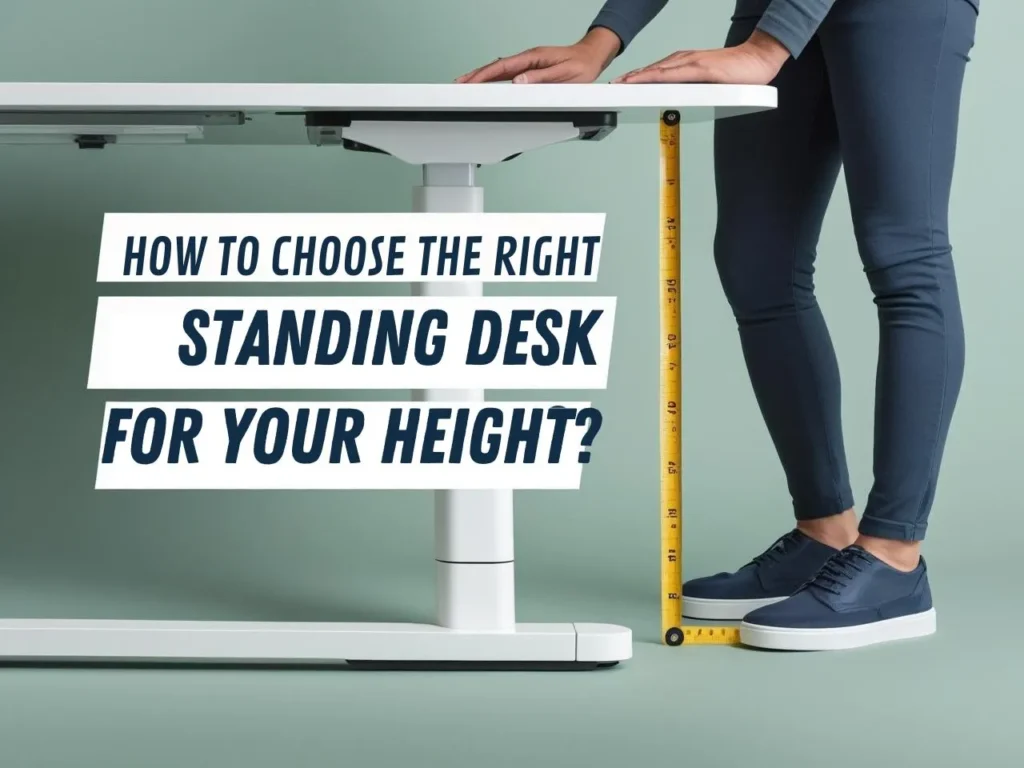
Types of Adjustable Standing Desks
Different spaces and lifestyles need different solutions. Let’s walk through your options so you can figure out what actually fits your situation.
| Type of Desk | Features | Best For | Price Range |
|---|---|---|---|
| Electric Standing Desks | Push a button to glide smoothly; often include memory presets for sitting and standing heights | Daily position switchers, shared workspaces | $200–$600 |
| L-Shaped and Corner Standing Desks | maximize usable space in small offices and give you room for different work tasks. | Corner offices, people needing lots of workspace, dual-monitor setups, small-space optimization. | $150 -$400 |
| Manual Crank Desks | Turn a hand crank to adjust height; simple, reliable, budget-friendly | Occasional position changers, budget-conscious buyers | $200–$450 |
| Desktop Converters | Sit on your current desk; lift or lower your workspace. Converters are brilliant for renters, people testing whether standing work is actually for them before investing. | Renters, those testing standing desks first | $150–$400 |
How to Choose the Right Adjustable Standing Desk
This is where a lot of people go wrong—they buy without really thinking about what they actually need. Let’s do this methodically so you end up with a desk that genuinely works for your life.
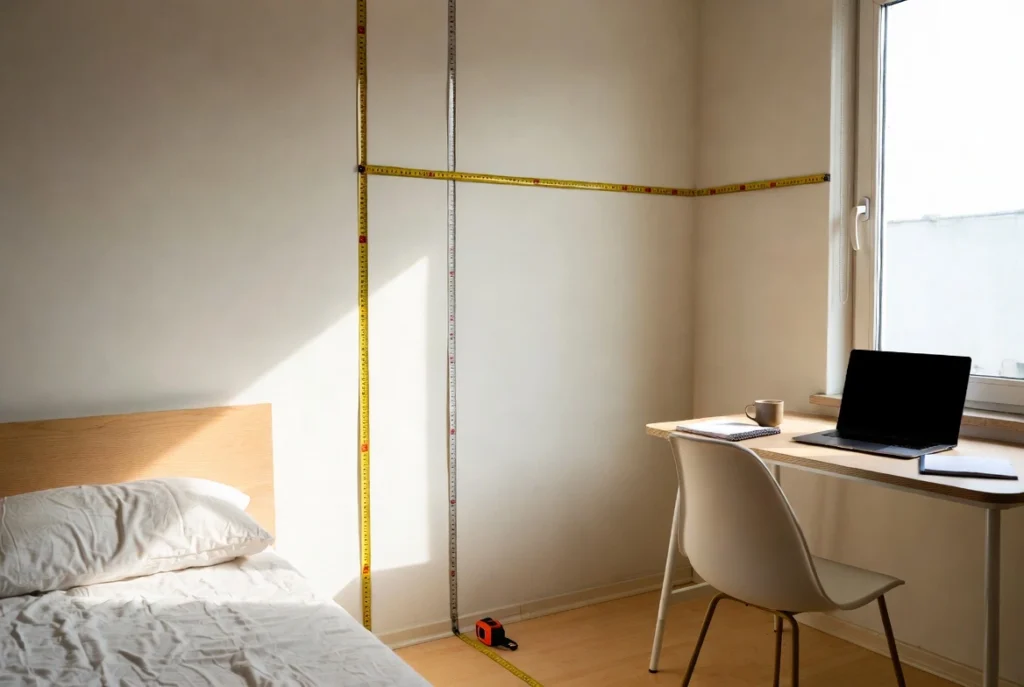
Start By Actually Measuring Your Space
Before comparing specific desks online, grab a measuring tape and get real numbers:
- Wall-to-wall distance where the desk will sit
- Available depth from your back wall to where your monitor will actually sit
- Ceiling height and whether anything’s hanging overhead
- Where your electrical outlets are (critical for electric desks)
- Door clearance if the desk might be near a doorway
A beautiful 72-inch desk means nothing if it doesn’t fit through your door or extends into your walkway. Measure first, shop second.
Stability Matters More Than You Think
A wobbly desk is a useless desk. Here’s what to look for:
- Steel frames beat aluminum; thicker gauge is better than thin
- Wide leg spacing (24–28 inches) creates more stability than narrow bases
- At maximum height, does the desk feel solid or does it flex and wobble?
- Cross-bracing between legs adds rigidity
- Weight capacity (look for 150–200 lbs) indicates sturdier construction
If you can, stand next to the desk in a store or showroom and apply some sideways pressure at different heights. Quality desks barely budge; cheaper ones visibly flex. That flex becomes really obvious once you’re trying to work at it.
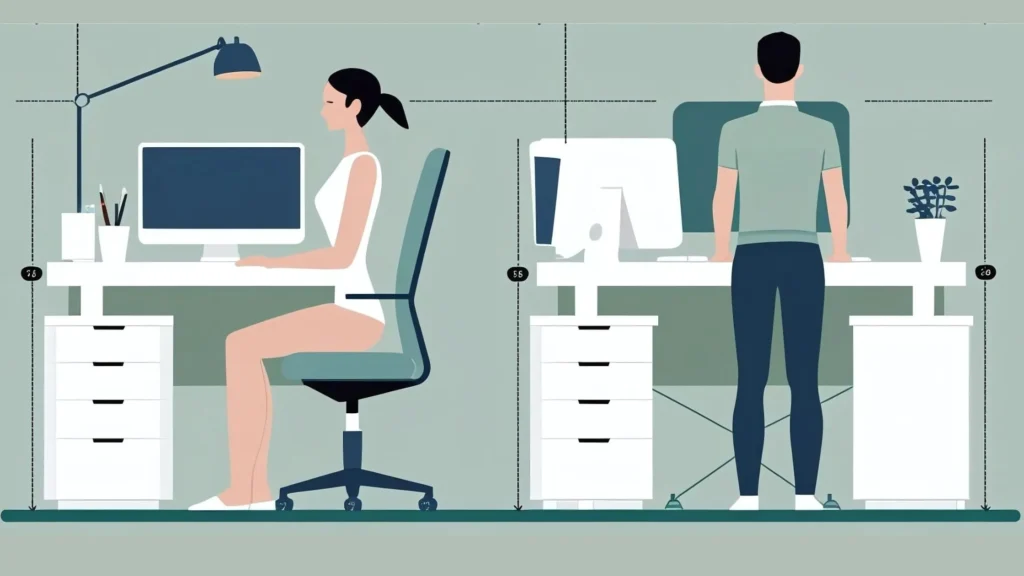
Figure Out Your Ideal Heights (This Really Matters)
Your personal height and work style determine the sitting and standing heights you’ll actually need. Here’s how to figure it out:
For sitting: Sit in your chair with your feet flat on the floor and knees at 90 degrees. Measure from the floor to the underside of your thigh. Your desk should be about 1–2 inches above that measurement, so your forearms rest on it at roughly 90 degrees.
For standing: Stand with good posture, arms at your sides. Measure from the floor to where your wrist naturally falls. Your desk surface should be at or just below that measurement.
Most people need a range of about 28–46 inches (sitting to standing). If you’re significantly taller or shorter than average, verify your chosen desk actually covers your specific range. A lot of budget desks have limited ranges that might not work for you.
For Electric Desks, Motor Quality Matters
If you’re going electric, pay attention to:
- Adjustment speed: 15–30 seconds for full range feels comfortable; anything longer discourages frequent switching
- Noise level: Premium desks are almost silent; budget models might hum or grind
- Single vs. dual motors: Dual motors handle load better and feel more stable
- Actual decibel rating: Under 70dB is quiet, 70–75dB is noticeable, above 75dB gets annoying
- Warranty: Quality manufacturers stand behind their work with 5–7 year warranties; shorter warranties suggest lower confidence
If possible, test the motor in person. Read reviews from people in shared offices or apartments—they’ll give you honest feedback about real-world noise.
Match Desktop Size to How You Actually Work
Think about what actually lives on your desk:
- Single monitor, minimal stuff: 48 inches wide × 24–30 inches deep works fine
- Dual monitors plus keyboard, mouse, and accessories: You want 60 inches wide × 30 inches deep
- Multi-purpose work (writing, design, reference materials): Go for 72+ inches wide × 30 inches deep
And here’s something people overlook: depth is crucial. Your monitor should sit about 24–30 inches from your eyes (one arm’s length away). If your desk is too shallow, you’re either too close to the screen or pushing it so far back it falls off the edge.
Weight Capacity and Actual Load
Does the weight capacity actually matter for your setup? Think about everything going on the desk: monitors, printer, lamp, water bottle, everything. Most quality desks support 150–200 lbs, which handles typical office loads fine. If you’re planning something heavier, check the specific capacity.
Pro tip: monitor arms that mount directly to the desk or wall eliminate monitor weight from the desktop itself, which helps if you’re tight on capacity.
Set a Real Budget (Including Accessories)
Here’s what a complete, properly optimized setup costs:
- Budget entry point: Desktop converter + anti-fatigue mat = $200–$400 total
- Mid-range: Manual or lower-cost electric desk + mat + monitor arm = $500–$900 total
- Premium: Quality electric desk + mat + monitor arm + ergonomic chair = $1,200–$2,000+ total
Don’t fall into the budget trap of buying the cheapest desk and skipping accessories. A $200 desk that wobbles or fails in a year actually costs more than a $400 quality desk lasting five years. And a standing desk without an anti-fatigue mat isn’t going to work for you—you’ll abandon it within weeks.
A quality manual desk with proper accessories delivers better real-world value than a premium electric desk without the supporting setup.
Best Accessories for Standing Desk Users
The right accessories transform a standing desk from “okay, I guess” to genuinely comfortable and productive. These aren’t optional extras—they’re essential for actually making the system work.
Monitor Arms (If You’re Switching Positions)
As discussed in the setup section, monitor arms let you reposition your screen between sitting and standing without it looking awkward or requiring manual adjustment. For a single monitor, a quality arm costs $80–$150. For dual monitors, you can use two single arms or a specialized dual-monitor arm.
Bonus benefit: monitor arms free up desk space by mounting screens off the surface, giving you more room for actual work.
Anti-Fatigue Mats (Seriously, Buy One)
Standing on hard floors for 30 minutes creates foot and leg fatigue that makes you want to sit down. An anti-fatigue mat changes everything. Quality mats use closed-cell foam or gel that cushions your feet and encourages subtle movement while standing, reducing fatigue dramatically.
A good mat costs $50–$150 and honestly extends your comfortable standing duration from 20–30 minutes to 45–60 minutes. I’d argue it’s the single most impactful accessory for standing desk users. Without one, standing gets uncomfortable quickly. With one, you can actually sustain standing periods long enough to benefit.
Footrests, Balance Boards (For Later, Not Now)
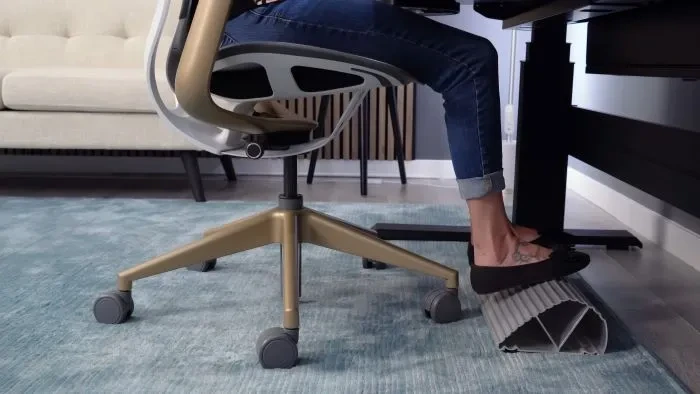
Once you’re comfortable with basic standing (usually after 4+ weeks), footrests and balance boards add subtle movement while you work. Footrests let you alternate which leg bears weight. Balance boards create an unstable surface that engages your core.
Introduce these after you’ve adapted to standing, not during initial adjustment. Too much instability too soon becomes overwhelming.
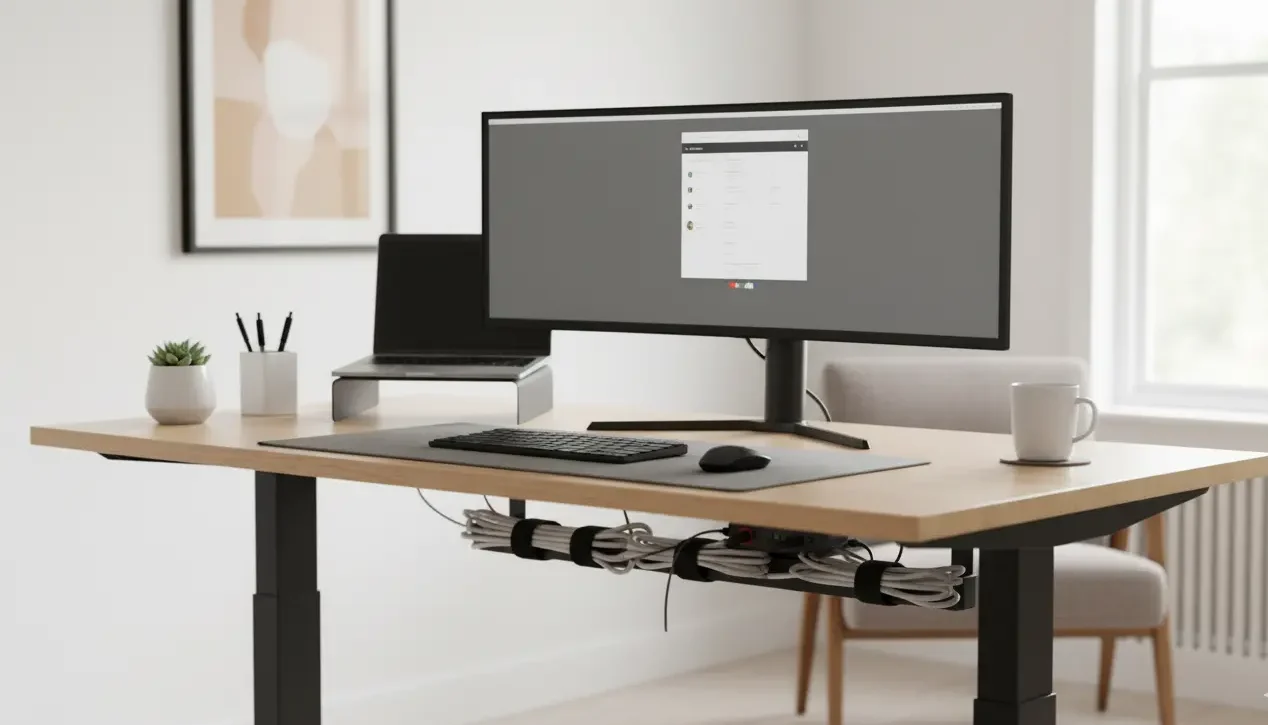
Cable Management (So Your Cords Don’t Catch)
As your desk adjusts height, cables connecting everything need to flex and stretch. Without proper cable management, cables get tangled, catch on the desk during movement, or limit how far your desk can actually adjust.
Built-in cable trays on quality desks help, but adding supplemental management—clips, velcro straps, under-desk conduits—prevents frustrating cable tangles. This isn’t fancy—just $20–$50 worth of organization that prevents real problems.
Adjustable Standing Desks for Small Workspaces
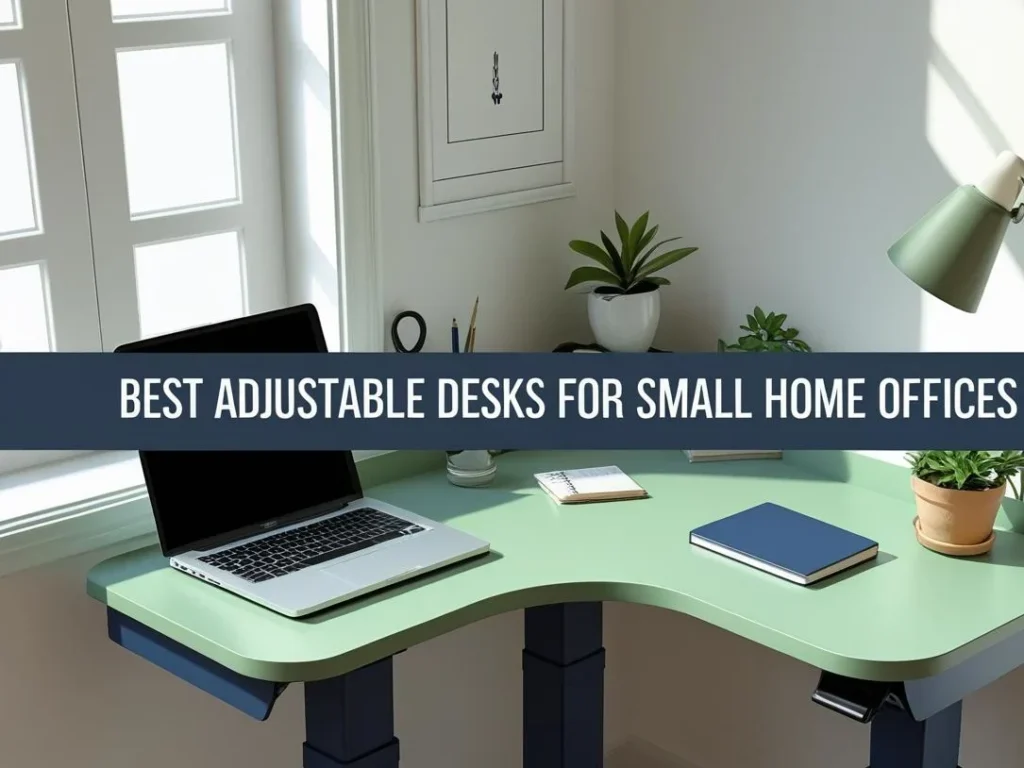
Working in a small space doesn’t mean you can’t have a standing desk. It just means being strategic about size and configuration. The good news: solutions exist for small spaces.
Space-Saving Desk Sizes and Shapes
Compact straight desks (42–48 inches wide) fit tight spaces while still providing adequate surface for a single monitor, keyboard, and basics. They’re narrower than standard desks but genuinely functional.
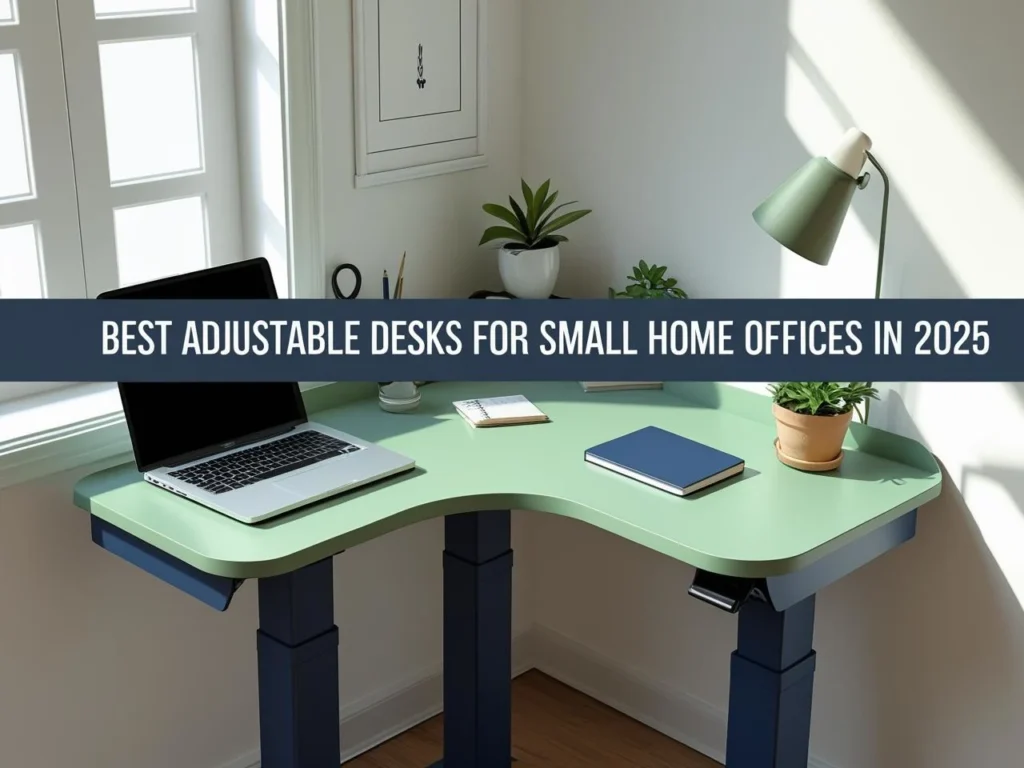
L-shaped desks wrap around corners efficiently, providing more total surface in a compact footprint. One or both surfaces can adjust height. Corner placement uses otherwise wasted space smartly.
Wall-mounted desks mount directly to walls, eliminating leg structures entirely. Some fold up when not in use, making them ideal for multi-purpose rooms where your office space needs to transform into something else.
Desktop converters sit on your existing desk without requiring additional floor space beyond what you already have. Perfect for apartments or shared spaces where you can’t dedicate a whole corner to a standing desk.
Vertical Space Organization
Small spaces benefit massively from thinking vertically. Wall-mounted shelves, pegboards, and organizers move items off your desk surface, creating the illusion of more space and reducing visual clutter.
Monitor arms mount screens off the desk surface rather than occupying desktop real estate. This single change dramatically impacts how spacious a small office feels.
Furniture That Does Double Duty
Pair your standing desk with furniture serving multiple purposes. A desk with built-in storage (shelves, drawers, cabinets) reduces the need for separate storage pieces. Under-desk shelving adds storage without increasing footprint.
Common Mistakes to Avoid
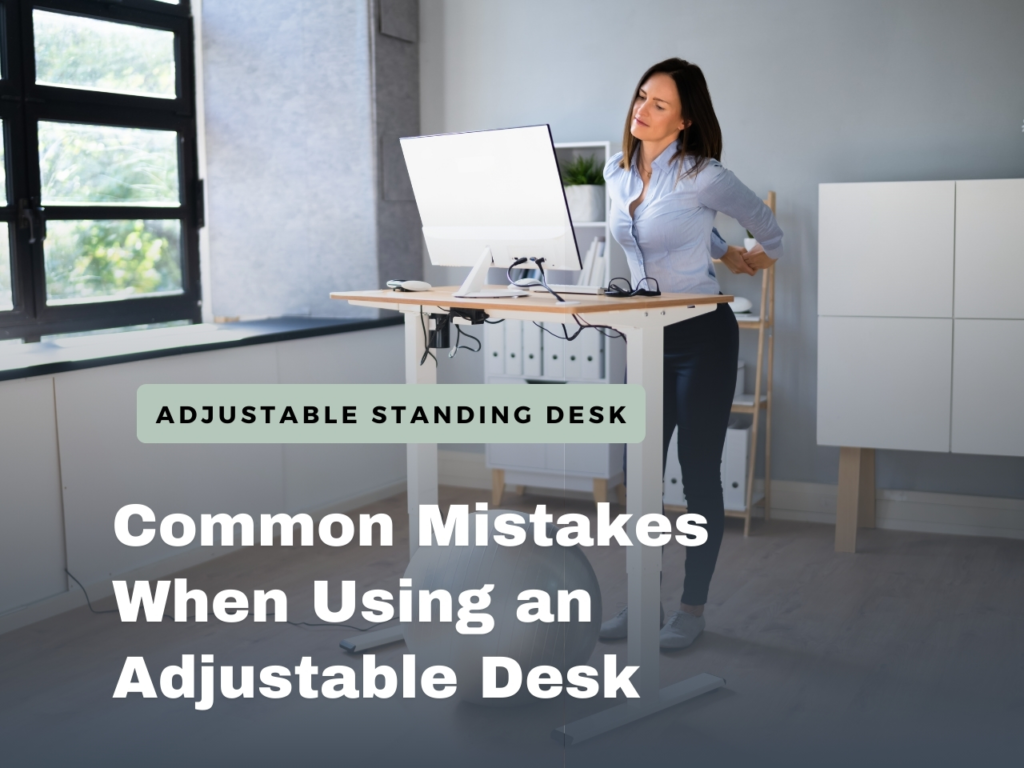
Learning from other people’s missteps saves you from frustration. Here’s what doesn’t work and why.
Standing All Day (You’re Just Replacing One Problem With Another)
The entire point of an adjustable standing desk is position variety. If you’re standing eight hours straight, you’re creating the opposite problem from sitting eight hours straight—just different muscles get fatigued and stressed.
The benefit comes from alternating, typically in 30–60 minute cycles. If you’re standing constantly, you’re not using the desk as designed. Position switching is the entire concept.
Desk Height That’s Off (Even Slightly)
Small height errors compound over hours of work. Too high causes shoulder elevation and neck strain. Too low causes forward head posture and lower back rounding. These errors directly undermine the postural benefits that justify buying a standing desk in the first place.
Measure your ideal heights before setting anything up. Adjust your chair to support proper sitting, then set standing height based on your actual arm length.
Monitor Position That Never Changes
This is honestly the most common setup mistake. People buy standing desks but keep monitors at fixed heights rather than adjusting between sitting and standing. This creates ergonomic compromise at both positions—your neck either has to crane up or down.
Monitor positioning errors are among the biggest reasons standing desks fail to deliver benefits. Proper positioning requires either a monitor arm or multiple monitor positions you actually use.
Skipping the Accessories
Standing without an anti-fatigue mat creates foot fatigue that limits standing duration and makes you abandon the desk. Poor cable management creates frustration and prevents proper desk adjustment. Missing accessories often explain why people quit—not because the desk is bad, but because the system is incomplete.
Budget for accessories as part of your investment, not as optional extras.
Giving Up During Adaptation
The first 1–3 weeks using a standing desk feels awkward and uncomfortable. Your feet, legs, and stabilizing muscles aren’t used to supporting you during focused work. A lot of people experience this temporary discomfort and immediately think “this isn’t working” and abandon the desk before their body adapts.
Plan for adaptation. Start with 15–20 minute standing intervals and gradually increase as your body adjusts. By week 4, standing for 45–60 minute intervals feels natural. That temporary discomfort is just your body getting stronger.
Not Pairing Standing With Actual Movement
Position switching alone provides benefits, but pairing standing periods with actual movement breaks—stretching, walking, simple mobility work—amplifies results way more. Five minutes of light movement every hour compounds the benefits more than static work, whether sitting or standing.
Drawbacks and Limitations
I’m a big believer in honest conversations, so let me tell you exactly where standing desks fall short. This isn’t a perfect solution, and pretending it is would be doing you a disservice.
You’ll Experience Fatigue (Especially at First)
Standing for too long gets uncomfortable. Your feet get tired, your legs ache, and sometimes your lower back protests. The problem isn’t standing itself—the problem is standing without moving for extended periods. It’s just the opposite problem from sitting.
The solution is alternating: sitting for 45–60 minutes, then standing for 45–60 minutes. But here’s the catch: that first week or two? It genuinely sucks. Your feet and legs aren’t used to bearing your weight while you’re trying to focus on work. Your body hasn’t adapted yet. A lot of people experience this temporary discomfort and think “nope, this isn’t for me” and abandon the desk before they actually benefit from it.
The good news: this discomfort is temporary and manageable. An anti-fatigue mat helps enormously, proper footwear makes a difference, and gradual increases in standing duration (start with 15 minutes, not 90) get you through that adaptation phase. But I wanted you to know that upfront—it’s not instant comfort.

The Price Tag Is Real
Quality adjustable standing desks are an investment. Electric models run $300–$800. Manual desks are cheaper at $200–$450. Desktop converters start around $150–$400. Then you add accessories—an anti-fatigue mat ($50–$150), a monitor arm ($80–$200), maybe a better chair ($250–$600)—and you’re easily looking at $1,000+ for a complete, properly set up workspace.
For people on tight budgets or those uncertain they’ll actually use it regularly, that’s a legitimate barrier. Desktop converters offer a lower-cost way to test whether standing desk work fits your life before committing to a full desk replacement. That’s actually smart strategy if you’re unsure.
Noise Factors In (More Than You’d Think in case of cheaper desks)
Cheaper electric desks sometimes sound like they’re grinding their gears when they adjust. In open offices or shared spaces, that noise can be genuinely annoying—both for you and anyone within earshot. Better motors are quieter, but they cost more.
If you work in a shared space or live with other people who might not appreciate a humming desk at random times, this is worth considering.
Space Constraints Are Real
Even a compact standing desk needs floor space for its support structure. If you’re working in a tiny apartment or a cramped spare room, the footprint of a standard desk frame might actually exceed what you have available. That’s not a problem with the standing desk concept—it’s just a physical reality of fitting furniture in small spaces.
The good news: there are space-saving options we’ll talk about in a bit.
FAQ Highlights
Making the Investment: What to Expect
Budget guide:
- Desktop converters: $150–$400
- Manual desks: $200–$500
- Electric desks: $300–$800
- Accessories: $100–$300
Timeline for benefits:
- Week 1: Novelty & slight discomfort
- Weeks 2–3: Energy improvement noticeable
- Month 1: Habit formed, comfort improves
- Month 3+: Full integration, posture benefits
Bottom Line
After three years of daily use and watching friends, colleagues, and family members make the transition, here’s what I’ve concluded: adjustable standing desks aren’t for everyone, but they’re right for more people than you might think.
You’re probably a good candidate if:
- You spend 4+ hours daily at a desk
- You experience afternoon energy slumps
- You have minor back or neck discomfort from sitting
- You value having options and flexibility in your workspace
- You’re willing to invest in your daily comfort and long-term health
You might want to wait if:
- You’re dealing with serious medical issues (consult your doctor first)
- You’re already completely comfortable with your current setup
- You’re looking for a quick fix to major ergonomic problems (address those first)
The truth is, an adjustable standing desk won’t revolutionize your entire work experience, but it can make your daily routine notably more comfortable and potentially healthier. The key is choosing one that fits your space, budget, and work style, then using it consistently but not obsessively.
Whether you opt for a simple manual desk or a high-tech electric model with all the features, remember that the best standing desk is the one you actually use. Start with realistic expectations, give your body time to adapt, and be prepared for a gradual improvement in how you feel at the end of your workday.
Ready to take the next step? Start by measuring your space and ideal heights, then set a realistic budget that includes essential accessories. Your future self – the one who doesn’t have that 3 PM backache – will thank you.